Plan your first furniture build
without learning hard CAD
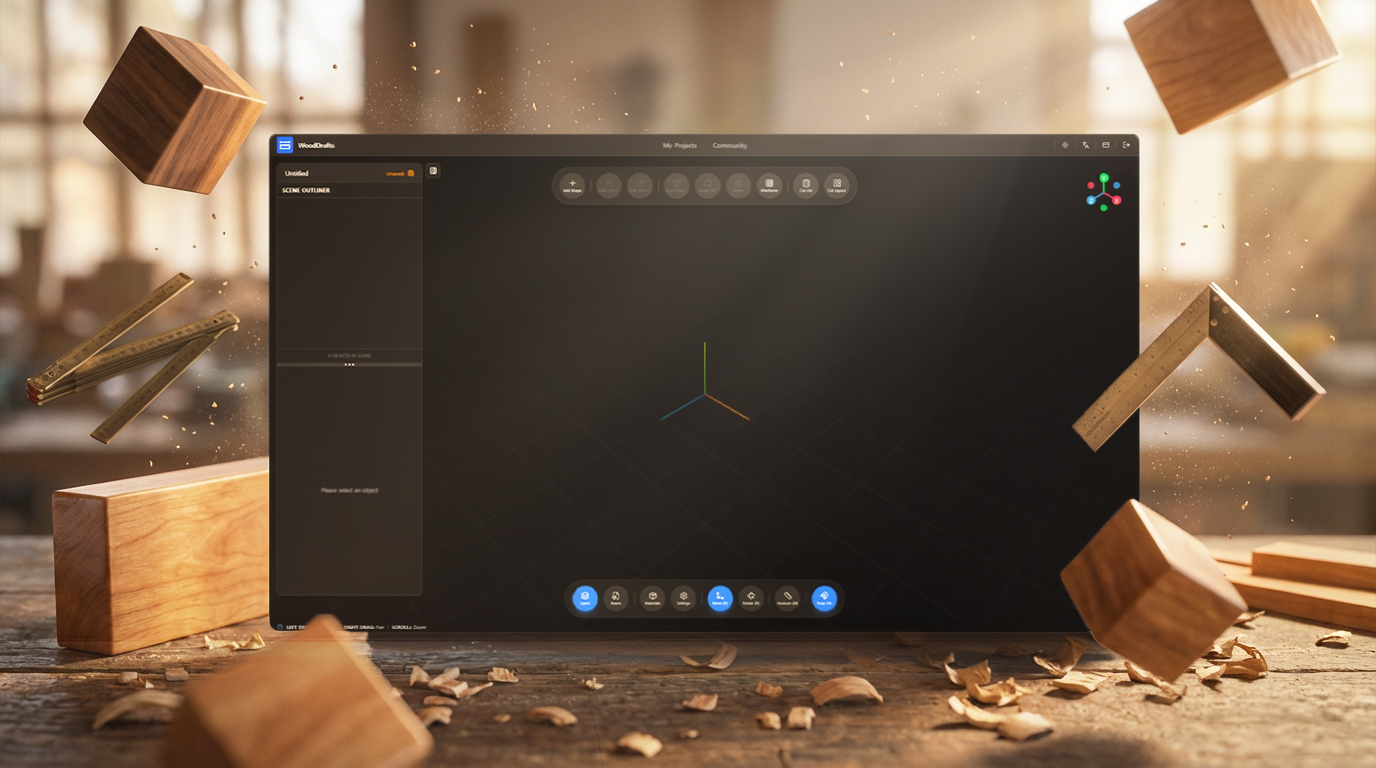
WoodDrafts gives beginners the smart 3D tools to sketch shelves, cabinets, and tables right in the browser.
Smart Snap
Drag parts into place and keep the layout square automatically.
Quick Rotate 90°
Square up panels in one click instead of fighting angle inputs.
Auto Cut List
Check part counts and dimensions before you buy lumber.
Live Measurements
Check sizes anytime and make decisions with numbers, not guesswork.
Beginner & Hobby
Start with a weekend project, not a training course
If you can drag, rotate, and type dimensions, you can plan your next shelf, cabinet, or side table here without wrestling with pro CAD.
Open and start in minutes
No install, no workstation setup, no update anxiety. Open the browser and get your idea into 3D while the project is still fresh in your head.
Controls that feel forgiving
Grid snap, alignment helpers, and quick rotation make it easier to stay square and organized even when you are still learning the workflow.
Know what to cut before you build
Generate a cut list and cutting plan from the model so you can buy smarter, reduce waste, and build with more confidence.
Tools that make first projects feel easier
From snap and rotation to cut lists and materials, these are the tools that help hobby builders move from idea to lumber with less friction.
Object Grouping
Group multiple objects together and transform them as a single unit. Includes undo/redo support for group operations.
Smart Alignment Tools
Align objects left, center, right, top, middle, or bottom. Distribute objects evenly with spacing controls.
Quick Rotate 90°
Rotate selected objects by 90 degrees around X, Y, or Z axis with keyboard shortcuts (X/Y/Z keys).
Snap to Grid
Toggle snap-to-grid mode for precise object placement. Visual guides show alignment with nearby objects.
7 Primitive Shapes
Add various 3D primitives: Box, Sphere, Cylinder, Cone, Circle, Ring, and Capsule for essential woodworking designs.
Auto-Save & Project Management
Automatic project saving prevents data loss. Real-time save status indicator and one-click project duplication.
Cut List (Parts List)
Automatically extract parts list from 3D models. Provides isometric 3D diagrams, 2D front/side views, dimension lines, fractional notation (inches), groove overlays, and print-optimized layouts.
Cut Layout (Cutting Plan)
Calculate efficient cutting plans for plywood sheets and optimal lumber lengths. Automatically generates cutting layouts that minimize material waste and reduce costs.
Community Sharing
Publish your projects to the community and import others' designs. Features admin review, download counts, and creator attribution.
Groove & Edge Profile
Add grooves to parts and apply edge profiles. Supports various profile types and precise dimension settings.
Material Management
Assign and manage materials for each part. Includes material database, batch application, and stock preset features.
Measurement Tool
Measure distances between objects directly in the 3D viewport. Supports real-time dimension display and precise placement.
Keyboard Shortcuts
Intuitive keyboard shortcuts for faster workflow. Supports copy (Ctrl+C), paste (Ctrl+V), delete (Delete), undo (Ctrl+Z), and more.
More woodworking-focused tools are on the way.
Core Tools
The tools hobby builders actually need
Skip the giant CAD learning curve and start with the workflow that helps you draw, measure, and prepare cuts faster.

Fast Browser Workspace
Open a project instantly in Chrome, Safari, or Edge and start designing without setup, updates, or machine-specific files.

Primitive Shapes for DIY Furniture
Block out cabinets, shelves, table tops, and simple shop fixtures with shapes that feel approachable on day one.
Snap, Align, and Rotate
Use grid snap, smart alignment, and 90-degree rotation to keep parts square even if you are new to 3D editing.

Dimension and Measure Precisely
Type exact sizes, switch units, and measure directly in the viewport before you cut expensive material.

Cut Lists and Cutting Plans
Turn your model into a clear part list and efficient cut layout so material shopping and workshop prep are simpler.

Auto-Save and Reuse
Keep your progress safe automatically, duplicate projects freely, and come back later when your next weekend build starts.
Why switch to the Web?
Legacy software is heavy, expensive, and stuck on one computer. WoodDrafts sets your creativity free.
Legacy Desktop Software
SketchUp / 3ds Max / Maya
- Requires high-end PC with expensive GPU
- Large installation files (10GB+)
- Manual updates and version conflicts
- Files locked on local hard drive
- Difficult to share with clients
- Expensive upfront licenses
WoodDrafts
Next Gen Browser CAD
- Works on any laptop, tablet, or desktop
- 0MB Install. Instant Load.
- Always latest version automatically
- Cross-platform (Win, Mac, Linux, iPad)
- One-click link sharing for viewing
- Flexible monthly subscription or Free tier
Simple, Transparent Pricing
Start free, upgrade when you're ready.
Free Trial
Try all features free for 90 days
- Full editor access
- 7 primitive shapes
- Cut list generation
- Community browsing
- GLB/GLTF asset uploads
Pro
Full access to all features
- Unlimited 3D projects
- Full editor access with all tools
- Community publishing
- Cut list & layout generation
- GLB/GLTF asset uploads
Ready to plan your next DIY build?
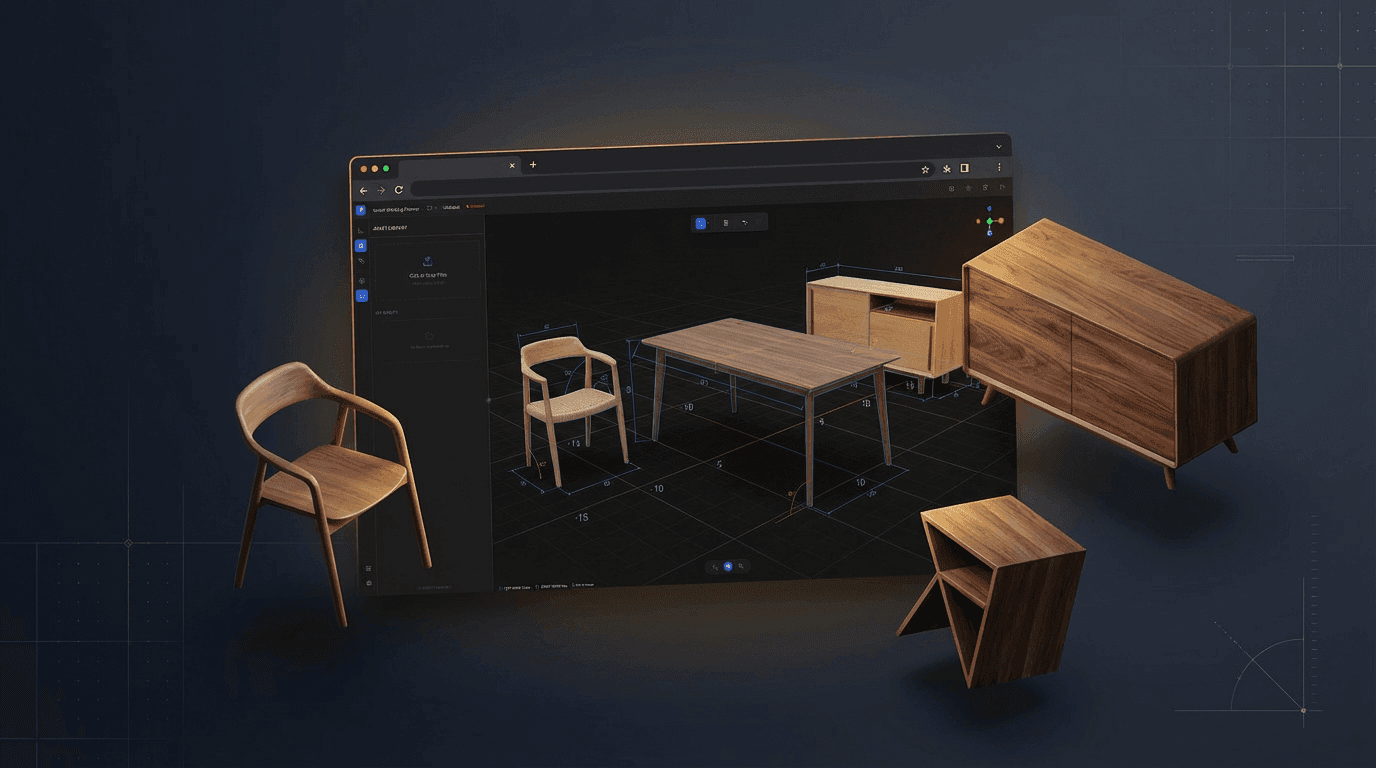
Open the browser, sketch the idea, and use beginner-friendly tools to turn it into a real cut plan before you hit the shop.
No credit card required. Free plan available.